
AI Faceless Video Generator
For anyone who wants to teach, tell a story or share a tip on YouTube or TikTok without filming themselves.
An AI faceless video generator turns a topic into a finished video with nobody on camera: script, narration, visuals, captions and music. Synthesys is an AI video agent that replaces traditional video production end to end. Its Faceless story template plans a timed storyboard you can check, shows the credit cost before rendering, and runs up to 10 minutes.
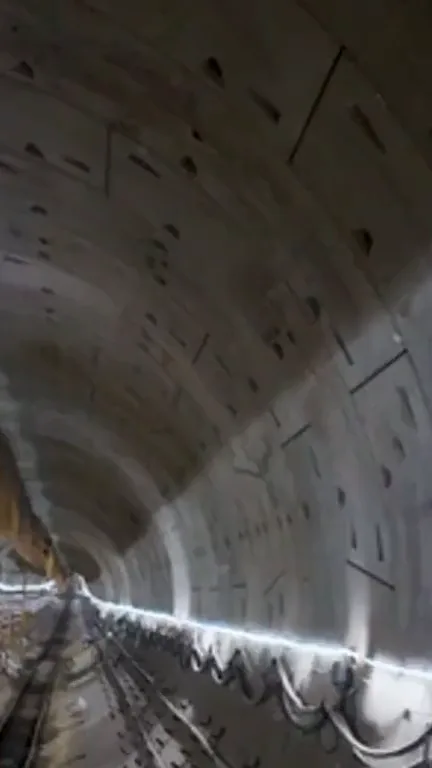
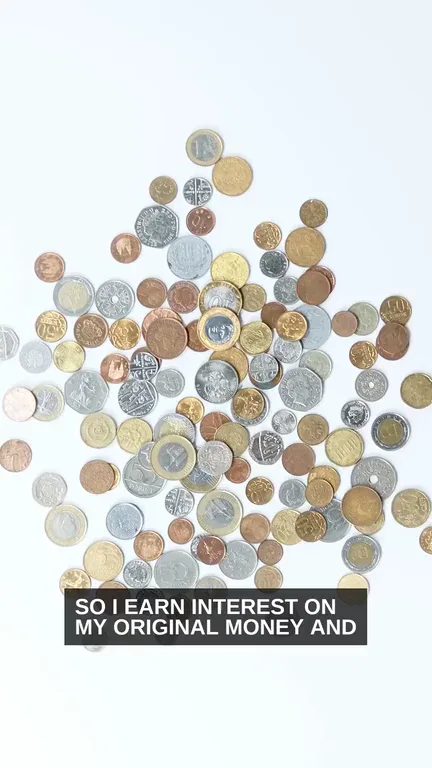
A 60-second faceless timeline of the London Underground, from 1863 to the Elizabeth linePlanning is free. Nothing renders until you approve. · See everything the AI video agent makes
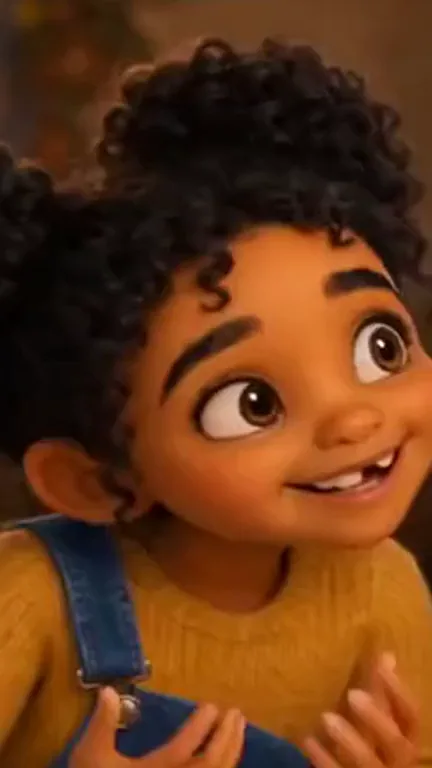
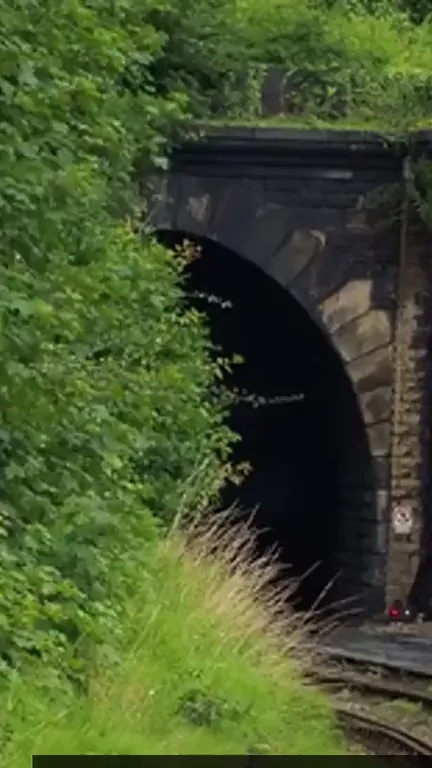
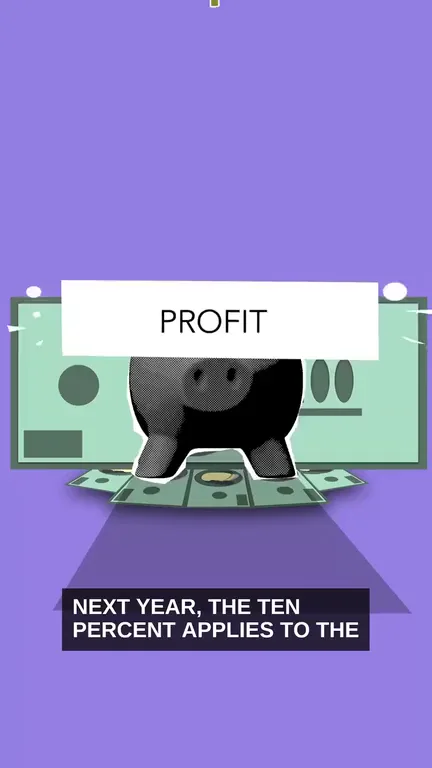
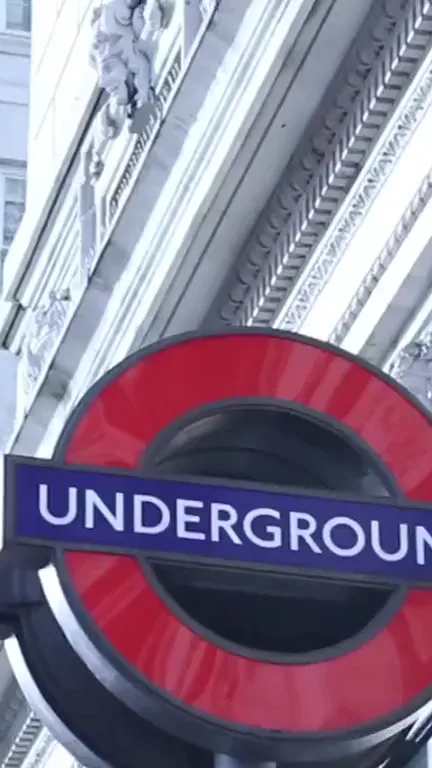
From one sentence to a finished video.
Pick a style, describe the video, check the plan, then let the agent build it.
Pick Faceless story and a style.
Six styles: Story, Listicle, Timeline, Facts, Biography and News Recap.
Describe it in one sentence.
Give the topic, the audience, the length and the shape: 16:9 for YouTube, 9:16 for Shorts.
Check the storyboard and the cost.
Every scene is named and timed. Fix a wrong date here, and it costs nothing.
Edit by chat, then export.
Ask for tighter captions, another voice or another language, then export 9:16, 16:9 or 1:1.
You check the plan before anything renders.
Every scene has a name, a length and its narration line. In our London test we fixed three vague lines and two that ran long, before approving and at no charge. The credit cost sits on the approve button.
Changes before rendering cost nothing.
Real videos, with the fixes we'd make.
Three videos made in Synthesys and not edited outside it.
Made for this page on 14 October 2026, from this brief:
A 60-second 16:9 faceless video in the Timeline style: how the London Underground grew from the first line in 1863 to the Elizabeth line, for history fans. One calm British narrator, no presenter on camera, a different visual in every scene, captions on.
We also asked for no people on camera.
How it went:
- Storyboard: 11 named, timed scenes, 38 seconds after the brief.
- Fact check: three lines were vague, so we gave them dates (1908, 1968 and 1979, 2022) in chat before approving, at no charge.
- Word limits: the app flagged two new lines as too long for their scenes, so we shortened them.
- Finished video: about 1 minute 20 seconds after we approved, and the charge came in under the cost on the button.
What we'd fix before posting it:
- Captions cut short. Each caption shows only its first six or so words, so 1968 and 1979 are never on screen.
- People on screen. Crowds and passengers appear in three scenes, although we asked for none.
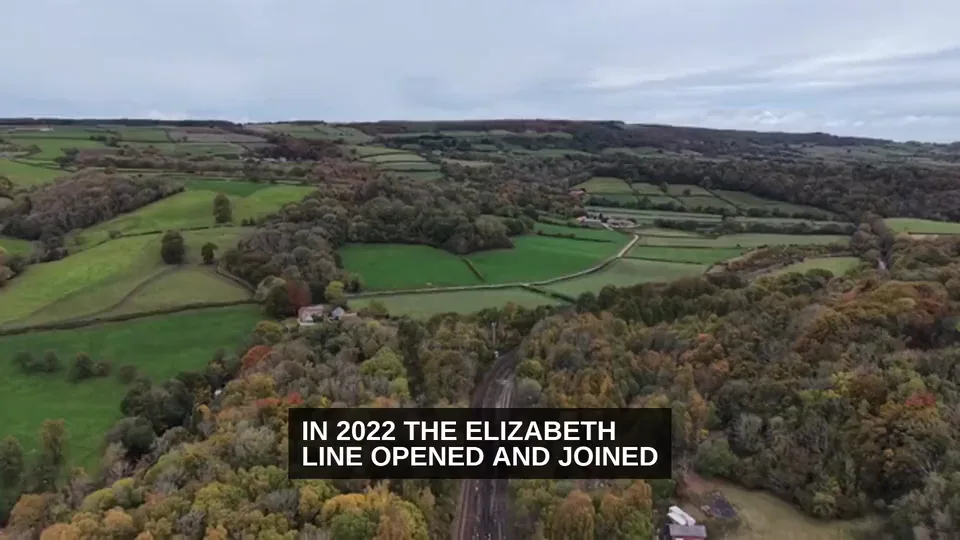
- Two shots off topic. A world map stands in for Harry Beck's Tube diagram, and countryside for the Elizabeth line.
- A clipped title. The closing title is cut off at the left edge.
Our test from 28 September 2026 (all timings in how to make long AI videos):
- Storyboard: 12 scenes, 40 seconds after the brief.
- Fact check: one wrong number, fixed in chat before rendering, at no charge.
- Finished video: 6 minutes 32 seconds after the brief.
- Needed a pass: captions showed only the start of each line.
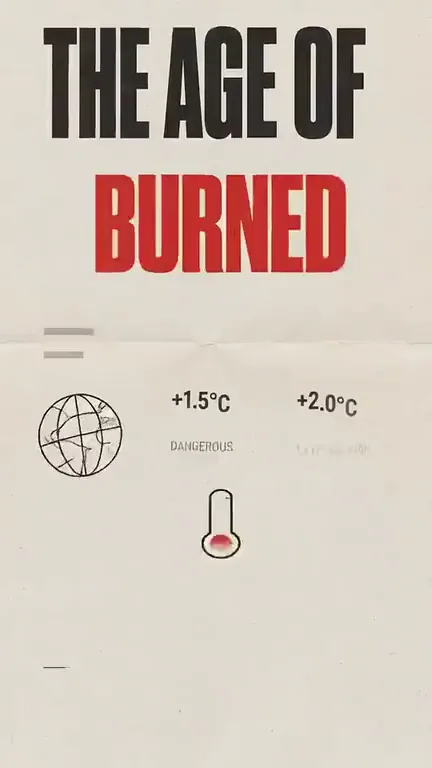
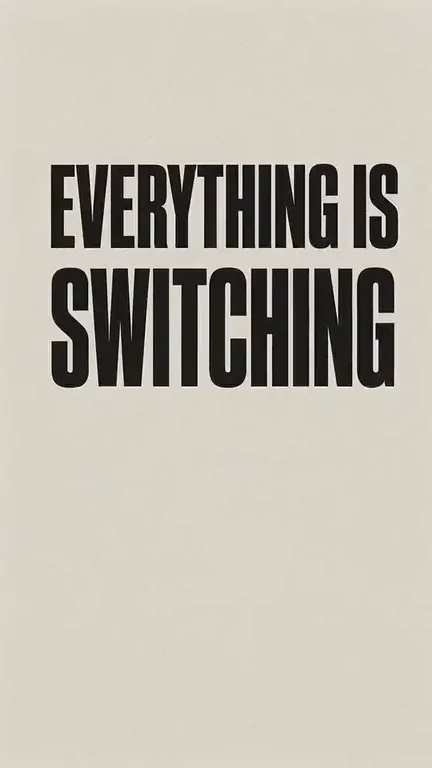
The same faceless idea in another format: bold editorial type and hand-drawn diagrams instead of footage. It also plays on our AI video agent page.
What we'd fix before posting it:
- A colour code on screen. "#E5322D" shows up as text.
- A wrong prop. A scene about clean energy draws a tub of cleaning wipes.
- A garbled chart. One infographic has broken words and is about cities, not electricity.
A fourth test, a split-screen Short about Athens rents, is in our faceless YouTube channel guide. It ran 51 seconds instead of 30 and showed hands, although the brief ruled out people.
Pick the format that fits the idea.
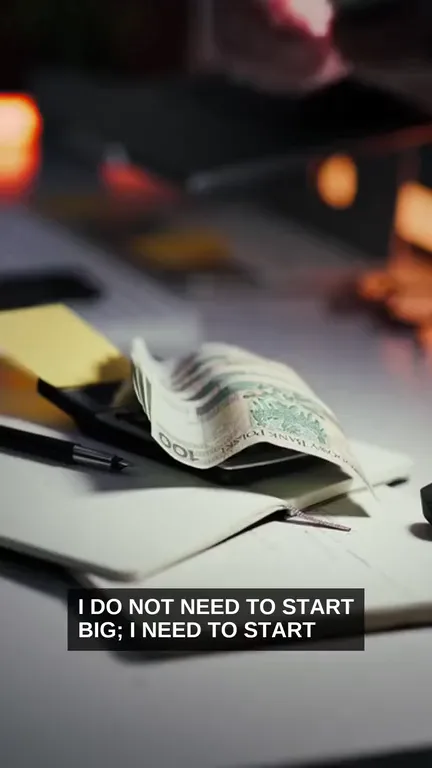
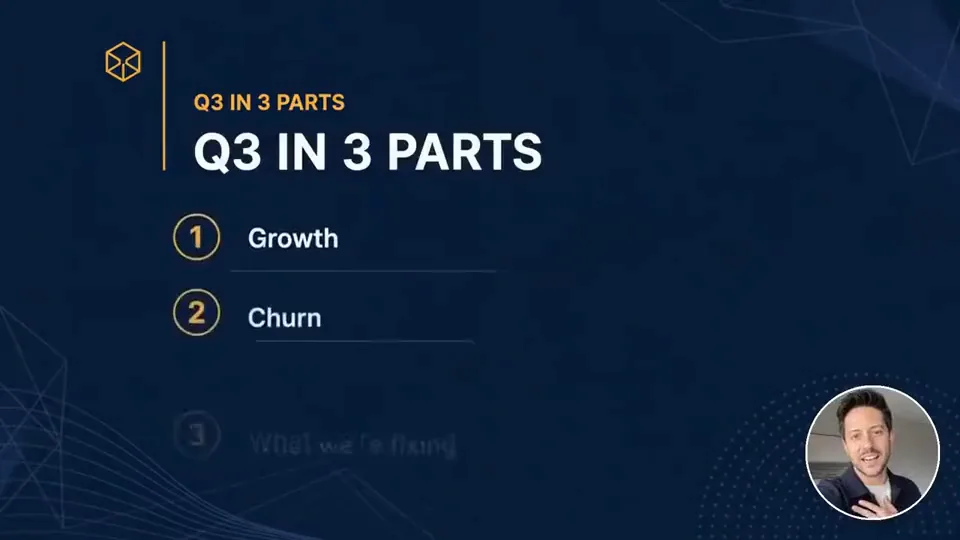
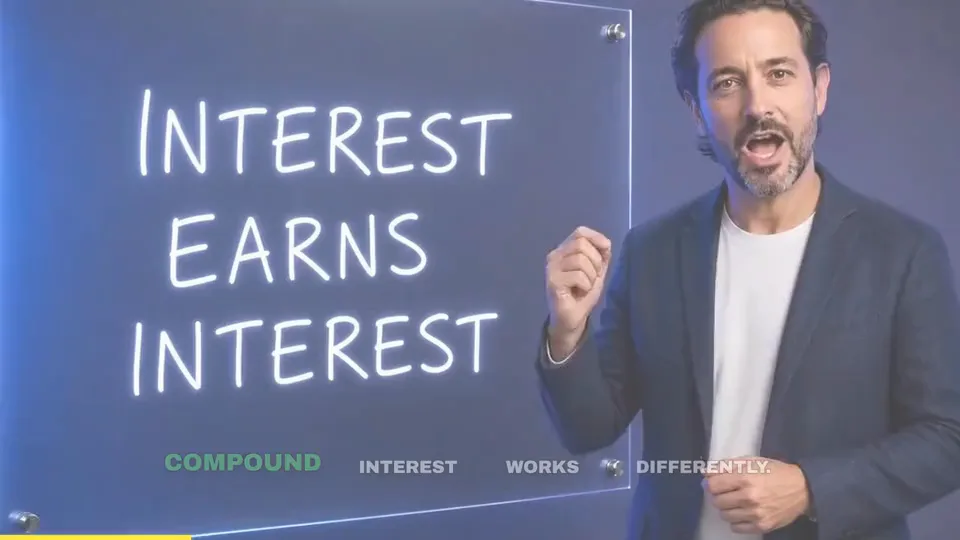
Faceless story for narrated videos up to 10 minutes, Brainrot Edit for split-screen Shorts, the Vox-style explainer to break one topic down, and Full YouTube video for 10 to 30 minutes.

Made for people who'd rather not be on camera.
Faceless creators come first, then brands posting explainers, then agencies running client channels.
Faceless YouTube and TikTok channels.
History, facts, finance basics and news recaps. Start with the faceless channel guide.
Course creators and coaches.
Short lessons in 16:9, then a 9:16 cut for Shorts.
Brands and SaaS teams.
Explainers and how-tos without booking a presenter or a shoot.
Agencies.
A storyboard the client approves before anything renders, in 140+ languages.
Know the limits before you post.
The agent makes the video. Your angle and the final check are still yours.
When not to use Synthesys for a faceless video.
If your audience needs to see your face to trust you, film yourself. Stay away from money and health advice, because an AI narrator presenting as an expert can't be monetized. And if the plan is the same template every day with only the topic swapped, don't. YouTube won't pay for it, and viewers won't stay.
The mistake that stalls most faceless videos.
Treating the first cut as finished. The agent builds the video, but checking the facts is your job, and that includes the facts in your own brief. Read the storyboard for facts, not just for order. A wrong number costs nothing to fix before the render and a lot to fix after you post.
What the agent can't promise.
- First cuts need a check. In two of our tests, captions showed only the first words of each line.
- A brief isn't a guarantee. We asked for no people twice. Hands, crowds and passengers still showed up.
- YouTube's money rule. Since 15 July 2025, it won't monetize "AI-generated content made with generic or unoriginal templates" that looks mass-produced (YouTube).
- YouTube's label rule. Realistic AI footage and AI music need a disclosure (YouTube).
- Upload is manual. Use YouTube Studio. In-app publishing covers TikTok, Instagram and Facebook (Agency plan and up).
The details.
| Style | Topics it fits |
|---|---|
| Story | A true story or a short history, start to finish |
| Listicle | "5 mistakes new investors make" |
| Timeline | How a city, company or invention changed, like our London Underground video |
| Facts | Quick facts about a place, an animal or a product |
| Biography | The life of an inventor, artist or founder |
| News Recap | One week's news in your niche, summed up |
| Option | What you get |
|---|---|
| Length | Typically 30 seconds to 3 minutes, up to 10 minutes |
| Shape | 9:16 by default; ask for 16:9 or 1:1 in the brief |
| Narration | 400+ AI voices in 140+ languages, or your own cloned voice |
| Visuals | Each scene routed to the image or video model that suits it |
| Captions and music | Captions timed to the voice, music scored to the edit |
| Commercial use | Full commercial rights on every plan |
| Format | Length | Default shape | Use it for |
|---|---|---|---|
| Faceless story (6 styles) | Up to 10 min | 9:16 | Narrated stories, lists and timelines |
| Brainrot Edit, split-screen (5 styles) | Up to 90 s | 9:16 | A Short where the hook matters more than the depth |
| Vox-style explainer (10 looks) | Up to 5 min | 9:16 | Breaking one topic down with editorial graphics |
| Whiteboard explainer | Up to 5 min | 16:9 | Lessons drawn on a whiteboard |
| Full YouTube video | Up to 30 min | Any | Anything from 10 to 30 minutes, with a presenter, graphics or both |
| Job | With separate tools | With Synthesys |
|---|---|---|
| Script | A writing assistant | Written from your brief, editable |
| Scene plan | A doc or spreadsheet | A storyboard of named, timed scenes |
| Voice | A text-to-speech or cloning tool | 400+ voices in 140+ languages, or your clone |
| Visuals | A stock library or a video model | Each scene routed to a model |
| Captions | A captioning tool | Timed to the voice |
| Music | A music library | Scored to the edit |
| Edits | A video editor | Scene, line or voice changes by chat |
| Upload | YouTube Studio | Still YouTube Studio: download, then upload |
Frequently asked questions
Last updated:
What is a faceless video?
A faceless video is one where the creator never appears on camera. Narration, footage, images and captions carry it instead, which suits history, facts, finance basics and news recaps.
How do you make a faceless video with AI?
Pick the Faceless story template and a style, then describe the video in one sentence. Check the storyboard and its credit cost before you approve. The agent writes the script, voices it, builds each scene, adds captions and music, and takes changes by chat.
Which faceless styles does Synthesys have?
Six: Story, Listicle, Timeline, Facts, Biography and News Recap. Videos typically run 30 seconds to 3 minutes, up to 10 minutes, and export in 9:16, 16:9 or 1:1.
How long can a faceless video be?
Faceless story videos typically run 30 seconds to 3 minutes and can go up to 10 minutes. For longer videos, the Full YouTube video format runs up to 30 minutes.
Who uses an AI faceless video generator?
People who need regular videos but don't want to film themselves. Faceless YouTube and TikTok channels come first, then brands posting explainers, course creators and agencies running client channels.
Can faceless AI videos make money on YouTube?
Yes, if each video is original. YouTube's monetization policy, updated on 15 July 2025, rules out AI content made with generic templates that looks mass-produced. The same intro and outro is fine when the bulk of each video is different.
Do I have to label AI faceless videos on YouTube?
Yes for AI-generated music and realistic AI footage, such as a real place. YouTube doesn't ask you to disclose AI help with scripts or captions, clearly unrealistic animation, or your own cloned voice.
Can I use my own voice as the narrator?
Yes. Clone your voice from a short recording, or pick one of more than 400 library voices in 140+ languages. You must hold the rights to any voice you upload.
What are the limits of AI faceless videos?
First cuts need a human check: in our tests, captions showed only the first words of each line and some shots missed the narration. YouTube won't pay for mass-produced template videos, so each video needs its own angle.
Is there a free faceless video generator in Synthesys?
Synthesys has no free plan, but planning is free: scripts, storyboards, voiceover, music and chatting with the agent cost nothing. Credits pay for the render you approve, and a failed generation costs nothing. See pricing.
Can I post faceless videos straight to TikTok or YouTube?
On the Agency plan and up, you can publish or schedule videos to TikTok, Instagram and Facebook from the app. For YouTube, download the video and upload it in YouTube Studio.
Can I make the same faceless video in another language?
Yes. Ask in chat, for example "now make it Spanish", and the voice, captions and on-screen details change together across 140+ languages.
Your next faceless video starts with one sentence.
Type a topic, check the storyboard and the cost, then approve.
Start a faceless videoPlanning is free. Nothing renders until you approve. · How the AI video agent works