What Is an AI Video Agent? Agent vs Generator, Explained
An AI video agent turns one brief into a finished video: script, scenes, voice and edit, with your approval before it renders. How it differs from a generator.
An AI video generator gives you a clip. An AI video agent gives you a finished video. That difference sounds small until you've spent an afternoon stitching eight-second clips together, fixing a face that changed between shots and paying for re-renders you didn't want.
We rebuilt Synthesys as an agent in 2026, after six years of building AI voice and video tools. This guide explains what an AI video agent is, how it differs from a generator, how it works step by step, and when a plain generator is still the better choice.
What is an AI video agent?
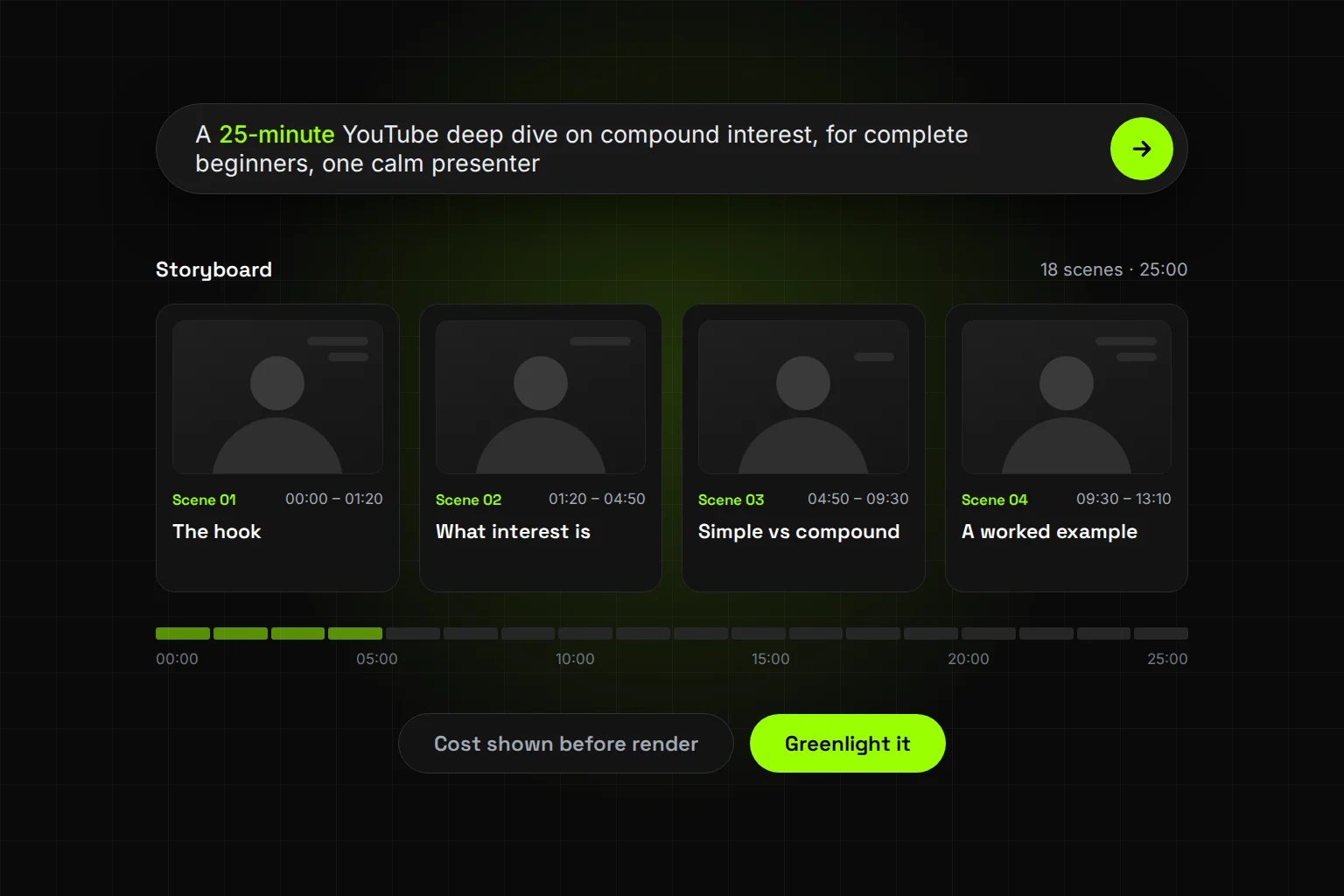
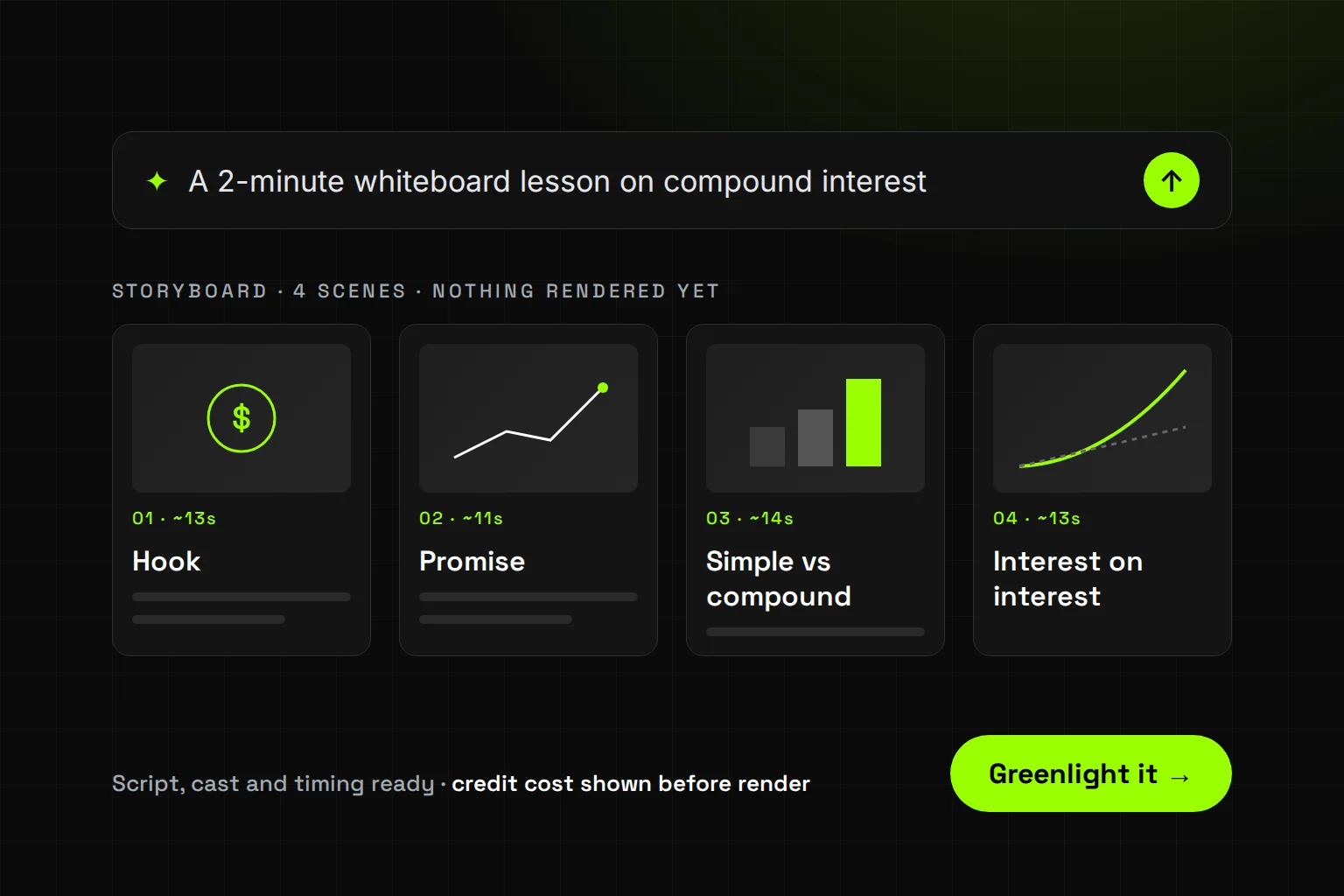
An AI video agent is software that takes a goal ("a 2-minute explainer on compound interest") and runs the whole production to reach it. It writes, plans, casts, voices, renders and edits, choosing its own tools along the way. It also pauses for your approval at the moments that matter.
The word "agent" has a specific meaning in AI. Google Cloud defines AI agents as software systems that use AI to pursue goals and complete tasks on behalf of users. Anthropic draws a sharper line. Workflows follow "predefined code paths", while agents are systems that "dynamically direct their own processes and tool usage".
Applied to video, that means one system does the jobs a small production team would split up:
- Scriptwriter: turns your brief into a script, timed scene by scene
- Director: plans the shots, the look and the pacing
- Casting: picks or reuses a presenter and keeps them consistent across scenes
- Voice: voices the script, including in other languages
- Editor: assembles the scenes, captions and final cut
How is an AI video agent different from an AI video generator?
A generator turns one prompt into one clip. An agent turns one brief into a finished, multi-scene video. With a generator, you are still the producer: you write the script, prompt every shot, keep faces consistent, add voice and captions, and edit it all together. With an agent, the agent does that work and you direct it.
The clip-length gap is real. Google's Veo 3.1, for example, generates clips of 4, 6 or 8 seconds per request. It can extend a video in 7-second steps, up to 148 seconds in total. That's a powerful building block, but it's still a building block.
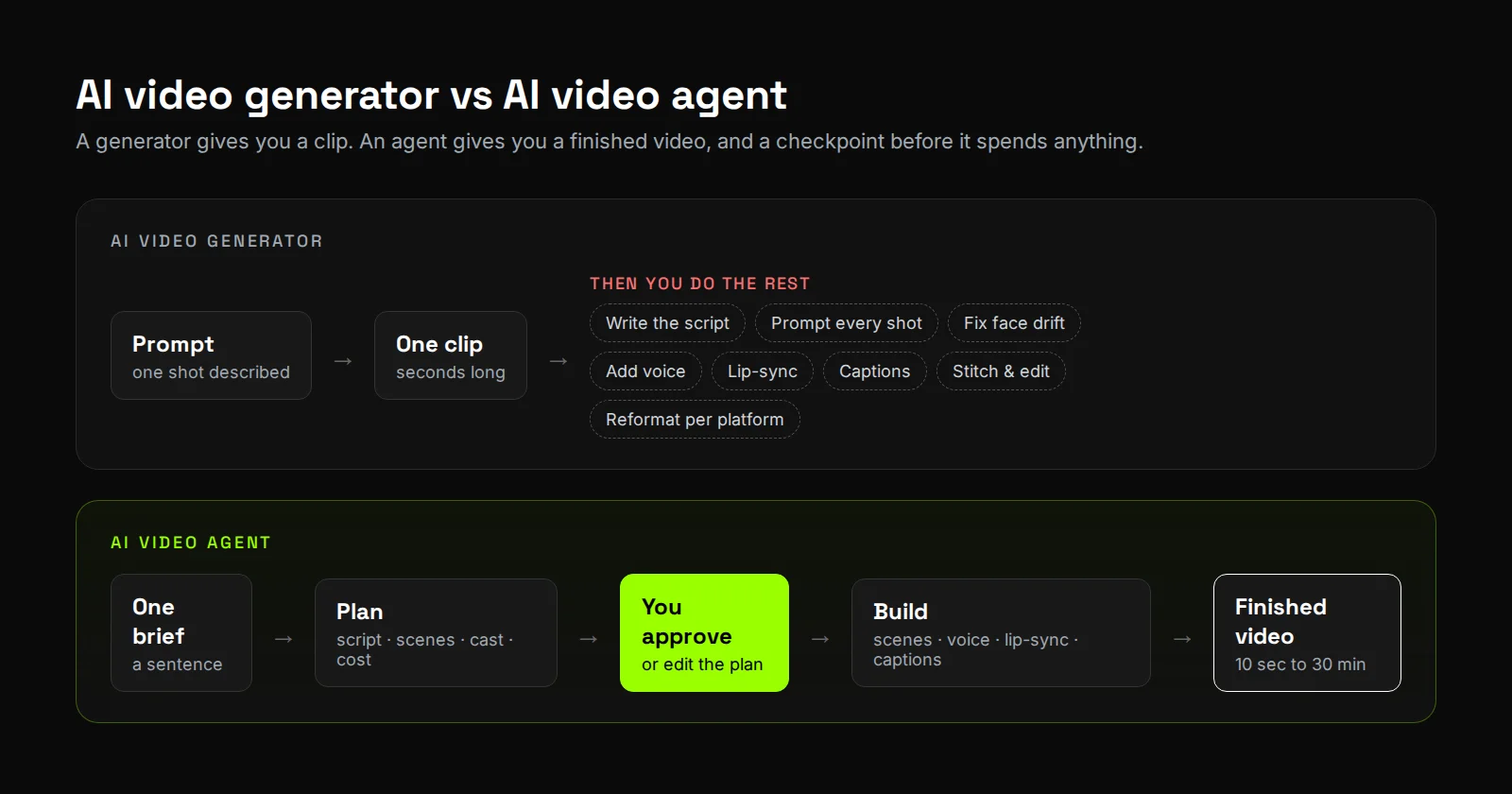
| AI video generator | AI video agent | |
|---|---|---|
| Input | A prompt for one shot | A brief for the whole video |
| Output | One clip, usually seconds long | A finished video, from 10 seconds to 30 minutes in Synthesys |
| Script and structure | You write them | The agent writes them, and you edit |
| Consistency | You fix faces that drift between clips | One cast is held across every scene |
| Voice, lip-sync, captions | Separate tools | Built in |
| Cost visibility | Usually after you generate | Shown before you approve the render |
| Your role | Producer and editor | Director and approver |
How does an AI video agent work, step by step?
Most AI video agents follow five steps: brief, plan, approve, build, refine. The step that matters most is the third one: a human checkpoint before the expensive work starts. Anthropic's guidance on agents makes the same point. Good agents can "pause for human feedback at checkpoints" instead of running blind.
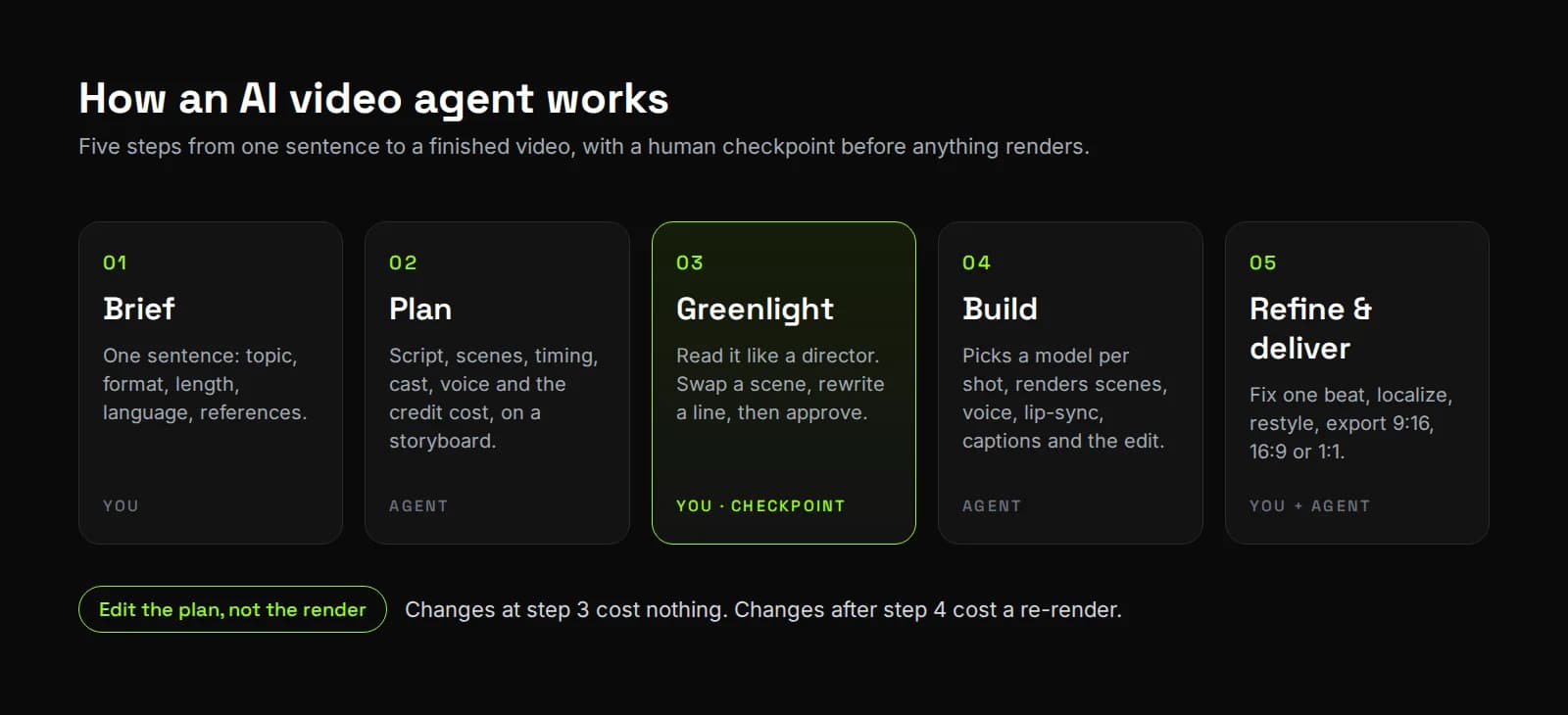
- Brief. You describe the video in one sentence: topic, format, length, language. You can attach references such as product photos, a script, or a competitor's ad.
- Plan. The agent writes the script and lays out every scene on a storyboard, with timings, cast, voice and the cost to render it.
- Greenlight. You read the plan like a director. Swap a scene, punch up the hook, change a line, then approve. Changing the plan costs nothing; changing a finished render costs another render.
- Build. The agent renders each scene, picking the right model for each shot, then adds voice, lip-sync, captions and the edit.
- Refine and deliver. Fix a single beat without redoing the video. Localize it ("now make it German"), restyle it, and export it in 9:16, 16:9 or 1:1.
When should you use an AI video agent, and when is a generator enough?
Use a generator for single shots and experiments. Use an agent for anything with a script, more than one scene, or a deadline. The more a video depends on structure, consistency and repetition, the more an agent saves you.
| Use a generator when you need… | Use an agent when you need… |
|---|---|
| One b-roll shot or a visual effect | A full ad, explainer, lesson or YouTube video |
| To test a look or a model | The same presenter across many scenes and videos |
| A clip under ~10 seconds | Anything from 30 seconds to 30 minutes |
| Full manual control of every frame | Scripts, voice, captions and edit handled for you |
| A one-off | Weekly output, in several languages and formats |
What should you look for in an AI video agent?
Judge an agent on control, not only on output quality. The models behind most tools are similar. What differs is how much of the production you can see and steer before you pay for it. Use this checklist on any agent, including ours:
- Plan before render. Can you see and edit the full script and storyboard before anything generates?
- Cost before render. Does it show what a step will cost before you approve it?
- Consistent cast. Does the same face and voice hold across scenes and across videos?
- Length ceiling. What's the longest finished video it can make in one project?
- Checkpoints or auto-run. Can you approve every scene when it matters, and let it run on its own when it doesn't?
- Localization. Can one video become another language without a rebuild?
- Export and rights. Vertical, horizontal and square exports, and a commercial license on every plan?
What are the limits of AI video agents today?
Agents are only as good as the brief and the models underneath them. A vague brief gives you a generic plan, and the agent can't make a video model render something it can't render. Longer videos also take longer to build, even when you don't have to supervise them.
An agent doesn't remove your judgement. It moves it earlier. You spend two minutes reading a storyboard instead of two hours fixing renders.
Try it
Synthesys is an AI video agent that replaces traditional video production end to end. Describe a video in one sentence, read the storyboard and the credit cost, and greenlight it. Film yourself once to build a twin with your face and voice, then reuse it in every video. Every plan includes a commercial license and a 14-day money-back guarantee.
For more on the pieces an agent brings together, read how AI dubbing actually works and what matters in AI avatar quality, or see the AI video generator inside Synthesys.
Sources
- Google Cloud, What are AI agents?
- Anthropic, Building effective agents (19 December 2024)
- Google AI for Developers, Generate videos with Veo 3.1 in the Gemini API
- Synthesys, AI Video Agent: product facts on video length, twin, localization, exports, license and guarantee
Frequently asked questions
What is an AI video agent?
What is the difference between an AI video agent and an AI video generator?
Can an AI video agent make long videos?
Do I need editing skills to use an AI video agent?
Can I use my own face and voice?
How do I know what a video will cost before it renders?
Keep reading
All posts →
AI Whiteboard Video: From Script to Final Cut in 6 Steps
How to Start a Faceless YouTube Channel With AI in 7 Steps
AI Video Credits: Why They Get Wasted and How to Stop It